Skip to content
Promptsmith
Chapters

Chapter I · the card catalog

Image & Art

Midjourney v7, DALL-E 3, and Ideogram prompts for product photography, concept art, brand visuals, and viral social images — with full parameter guidance.

In this drawer · 5 prompts
Spec. 001 Midjourney

Image & Art

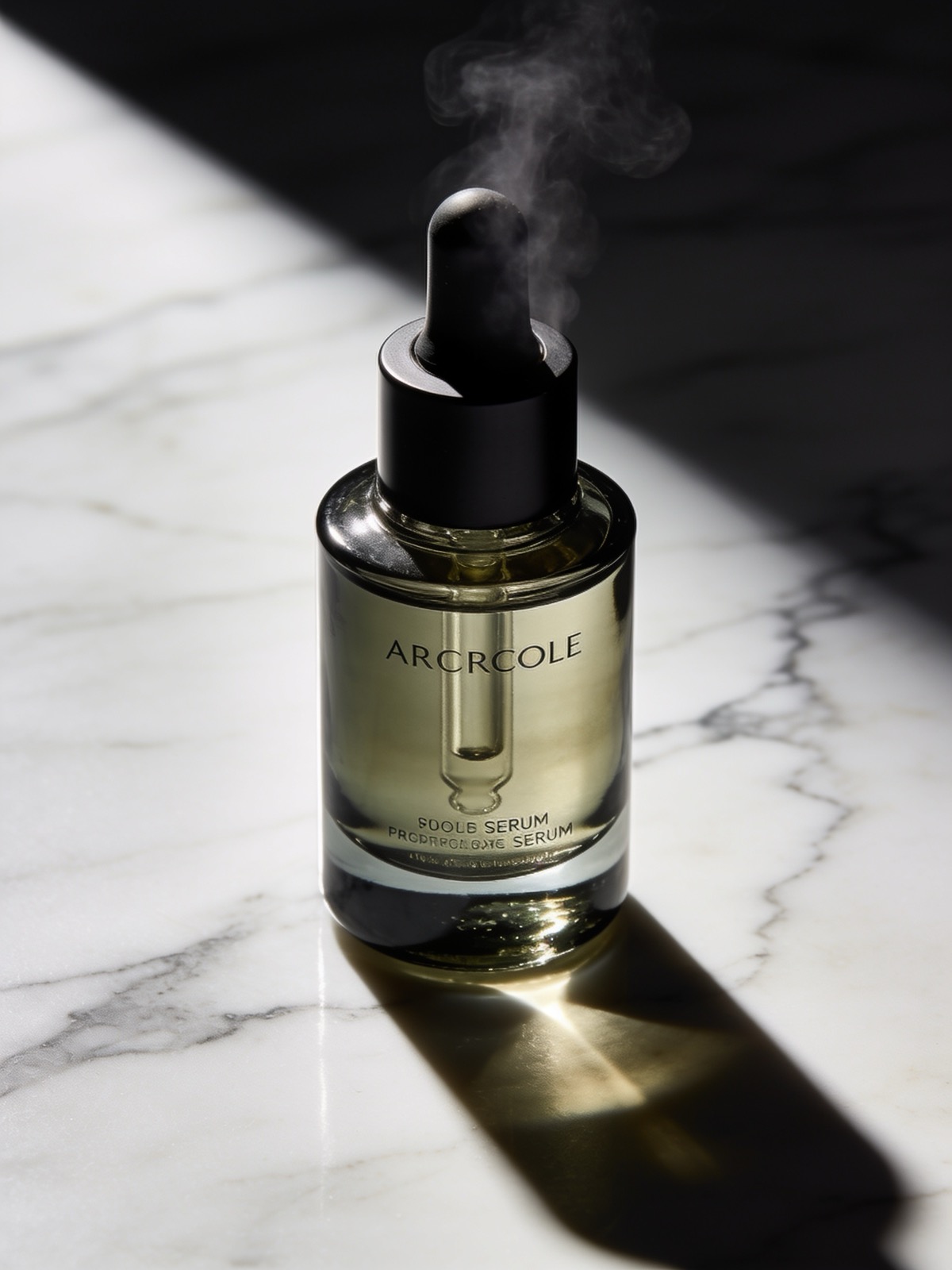
Cinematic Product Hero Shot
#product photography#midjourney#ecommerce#studio

Luxury skincare serum bottle on a marble surface, single overhead key light with no fill, hard shadows, shallow depth of field, 85mm portrait prime lens f/1.8, minimal steam rising, dark charcoal background, hyperrealistic studio photography --ar 4:5 --style raw --s 30 --v 7
Spec. 002 Midjourney

Image & Art

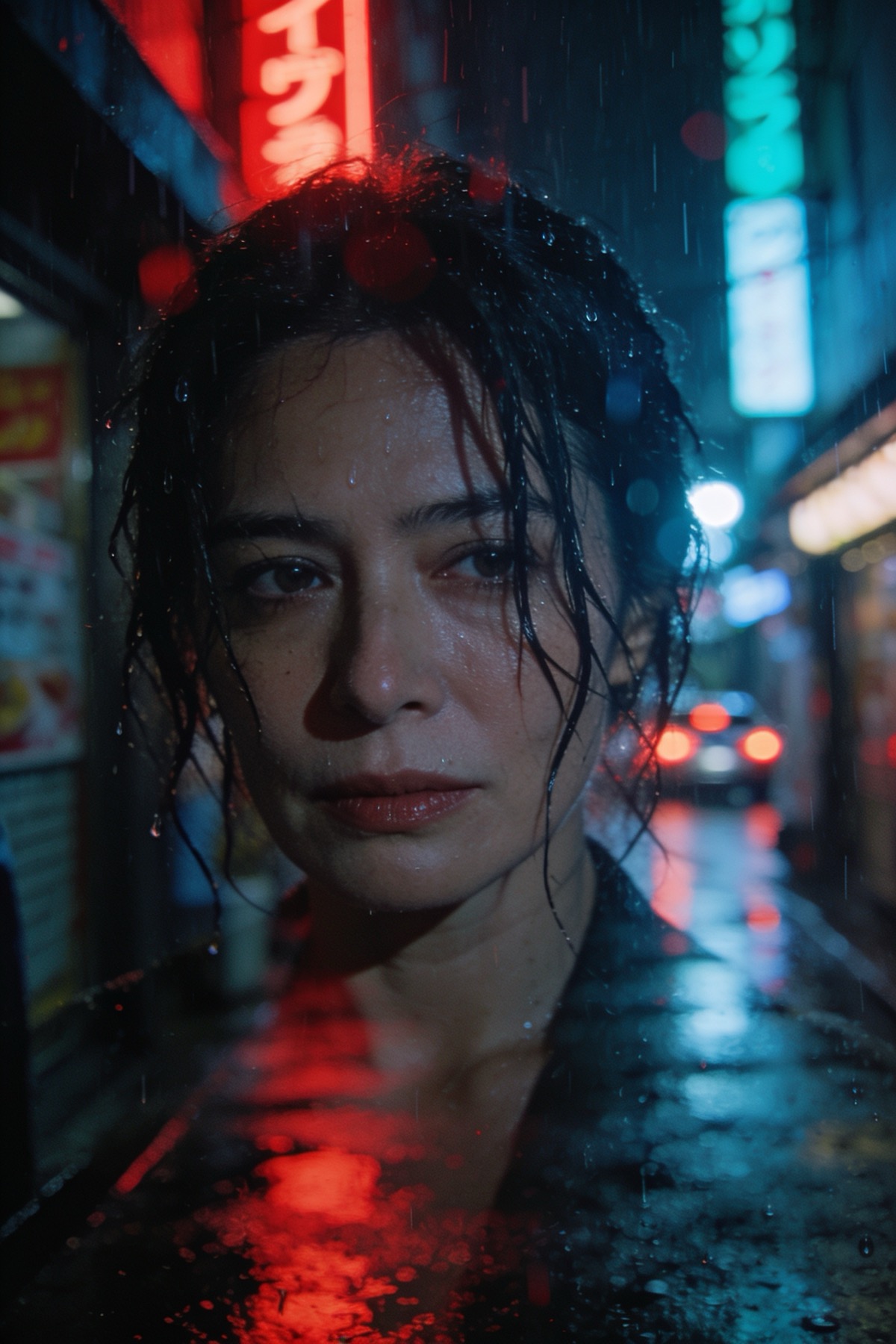
Cinematic Portrait — Neon City Night

#portrait#cinematic#midjourney#neon

Close-up portrait of a woman in her 30s, rain-soaked Tokyo alley at 2am, neon red and teal reflections on wet pavement, Roger Deakins cinematography, anamorphic lens flare, 35mm film grain, melancholic expression, depth of field --ar 2:3 --style raw --s 50 --v 7
Spec. 003 Midjourney

Image & Art

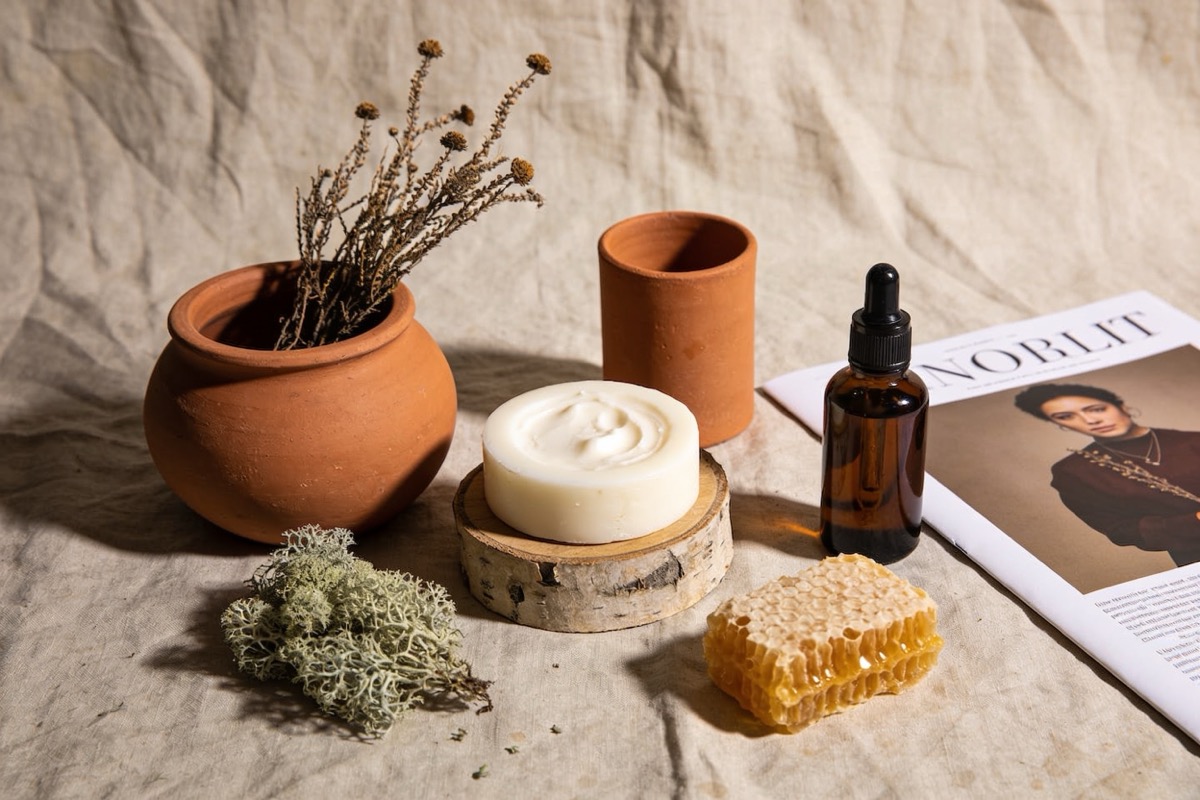
Brand Identity Mood Board — Organic Luxury

#branding#mood board#midjourney#lifestyle

Brand mood board for an organic skincare line, flat lay arrangement on aged linen, terracotta clay pots, dried botanicals, raw beeswax, smoked glass dropper bottles, earthy palette of sage moss warm ivory and burnt sienna, soft north light, editorial magazine aesthetic --ar 3:2 --s 200 --v 7
Spec. 004 Midjourney

Image & Art

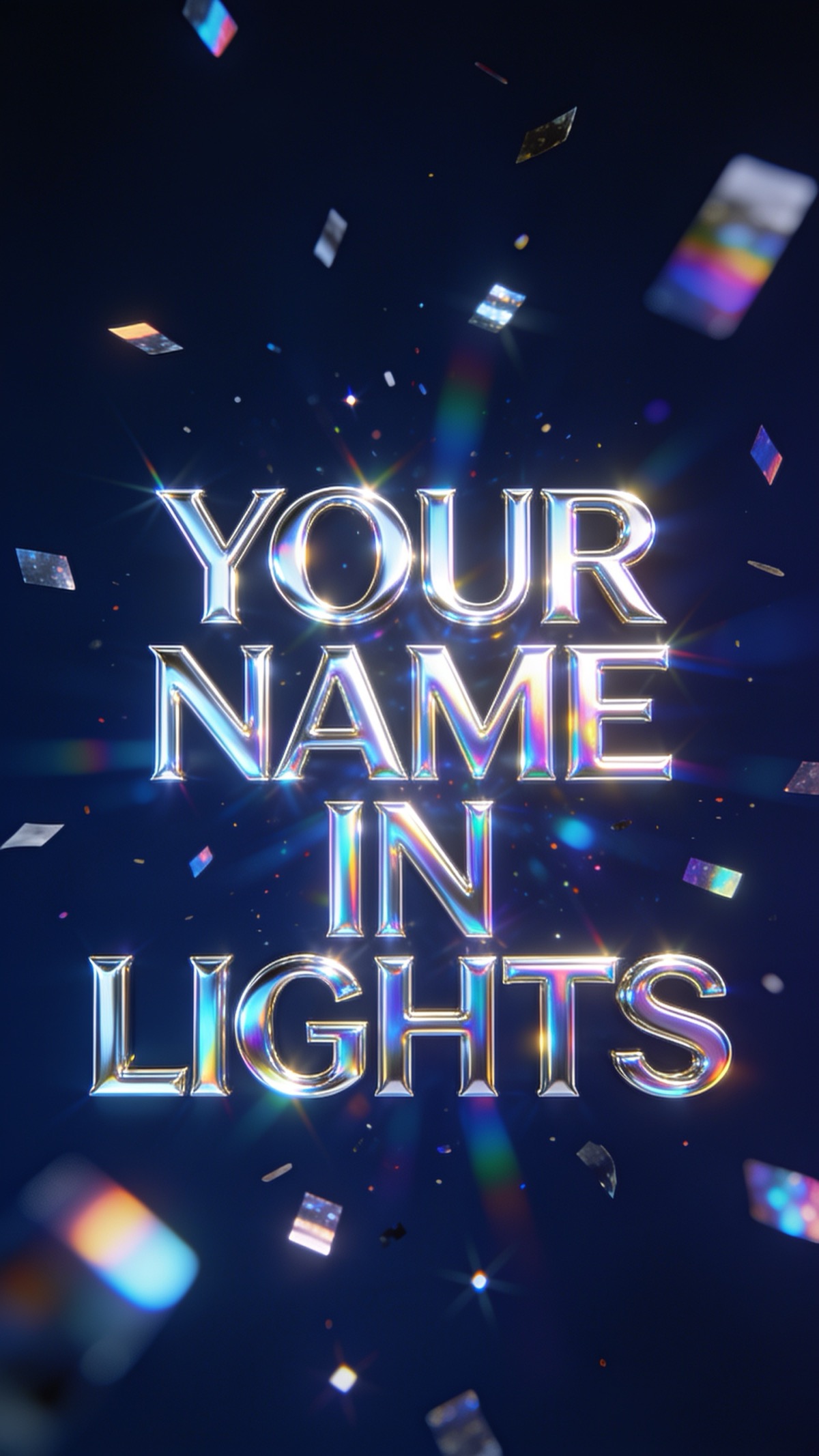
Viral Social Graphic — Holographic Foil Text

#social media#typography#holographic#midjourney

Bold sans-serif typographic poster, the phrase YOUR NAME IN LIGHTS rendered in holographic chrome foil, floating on deep navy background, prismatic light scatter, scattered holographic confetti, Y2K-meets-luxury aesthetic, centered composition --ar 9:16 --style raw --s 150 --v 7
Advertisement
Spec. 013 Midjourney

Image & Art

Midjourney Style Bible — Consistent Character Across 50 Shots

#Midjourney#consistency#character#Omni Reference#workflow

Step 1 — Generate your anchor image:
[Describe your character or product in detail: age, features, outfit, setting]
--ar 1:1 --style raw --s 50 --v 7

Step 2 — Lock it with Omni Reference:
Once you have an image you love, copy its URL. Then use:
[Your scene description], consistent lighting, same subject --oref [IMAGE_URL] --ow 80 --ar [YOUR RATIO] --style raw --v 7

Step 3 — Vary the scene, not the subject:
Swap only the background, lighting, or action while keeping --oref and --ow 80 constant.

This workflow maintains facial/product consistency across dozens of generations without ControlNet or external tools.